
Photo-video guides
Practical photo-video guides: understand the white-pickup meme, choose a clear subject, review credits, and check your picture and sound before sharing.
How to make a Hit the Road Dude video
Use one person, cat or dog photo for the white-pickup exchange, then review expressions, gestures and sound.
Hit the Road Dude: meaning, source and audio
Understand the state-property exchange and the difference between a reference recording and generated audio.
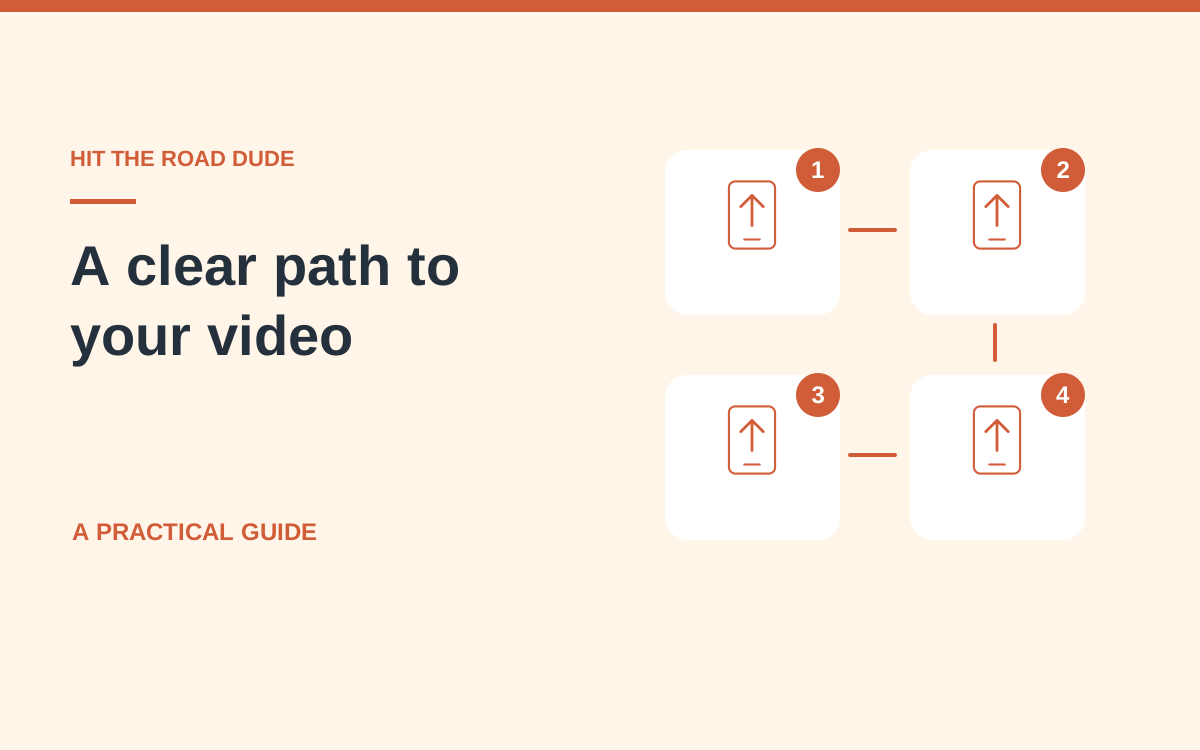
Understand a Street Freestyle photo-video workflow
Follow the steps behind a person-or-pet freestyle interpretation, and distinguish that separate effect from the white-pickup interaction.
Choose a clear person or pet photo
Build a useful identity reference before asking a model to animate a face, gesture or reaction.

Check identity and clothing continuity
Look beyond a good first frame when judging whether a generated subject still resembles the input.
Recognize a Street Freestyle scene
Read the people, speaker and camera relationship that distinguishes a freestyle performance from other photo-video effects.
Review movement generated from a still photo
Use a complete playback to examine expressive motion, contact points and body continuity.
Check voice continuity in an AI video
Listen for a sustained speaker change and distinguish generated sound from an original recording.
Keep the full video frame visible
Choose an output shape and distinguish it from a preview card, thumbnail or social-app crop.
Recover from a slow photo upload
Tell file selection, upload and generation apart so you can recover without submitting duplicate work.
Preview and download the selected work
Use the work library to select a result, review the whole clip and save the correct version.

Review a video before sharing it
Check identity, action, sound and the saved file instead of approving an attractive thumbnail.

Understand video quotes and credits
Read the current quote, distinguish purchase types and follow a task’s credit record.
Protect photo privacy when making videos
Choose authorized images, control sharing and use the work library with care.
Save and share an AI video on mobile
Move a reviewed result from your browser to a social post without losing the right version or full frame.
Tell references and your own results apart
Understand what an example demonstrates and how to assess the video generated from your photo.