
Check identity and clothing continuity
Look beyond a good first frame when judging whether a generated subject still resembles the input.
· Hit the Road Dude

Start here
Look beyond a good first frame when judging whether a generated subject still resembles the input.
In this guide
At a glance
| Review point | What to check |
|---|---|
| Identity cues | Compare face shape, hairline, eyewear or distinctive fur markings independently of matching clothing colors and backgrounds. |
| Turns and expressions | After a full playback, revisit face turns and open-mouth moments; for pets, compare ears, muzzle length and marking placement. |
| Clothing continuity | First judge the intended identity and styling, then check that the chosen clothing stays consistent near hands, the seat and door edges. |
| Extra or replaced features | Inspect both sides of a cut for a replacement face, mirrored accessories or repeated paws; a single-subject request can still produce these faults. |
| Issue report | Keep the source, task and affected interval. Describe the specific change; a different model or higher resolution does not guarantee an identity repair. |
Define recognizable features
Choose a few useful cues from the source: face shape, hairline, eyewear or distinctive fur markings. Avoid judging solely by shirt color or background. Those can match even when the underlying identity has drifted.
Compare expressions and turns
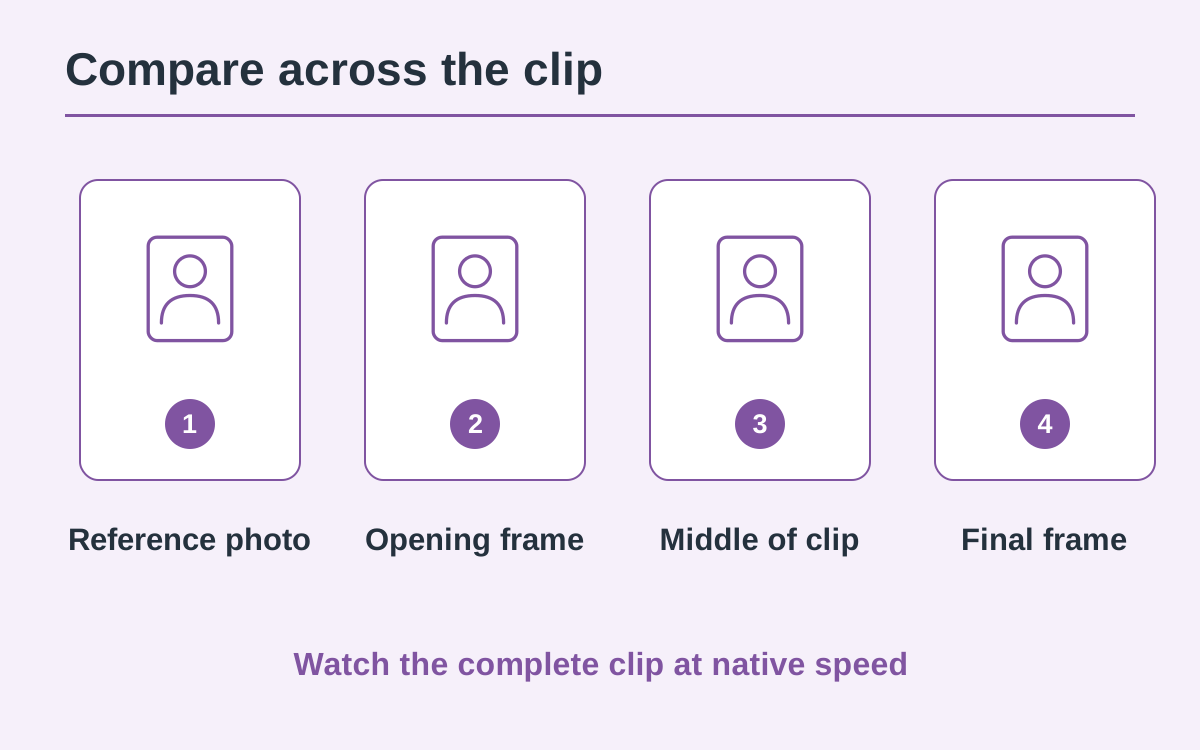
Play the video once without pausing, then revisit moments where the face turns or the mouth opens. Identity can appear stable front-on but change in profile. For pets, compare ear shape, muzzle length and marking placement as well as overall color.
Separate styling from continuity
The generated scene may interpret clothing differently from the source. First decide whether the result respects the identity and styling you intended. Then check whether that chosen clothing stays consistent throughout the clip, especially near hands, the seat and door edges.
Notice substitutions and duplicates
Look for a second face appearing, mirrored accessories or repeated paws. A quick cut can hide a subject replacement, so examine the moment immediately before and after it. A single-subject request does not guarantee that every generated frame obeys it.
Describe the specific issue
Keep the task, source photo and affected time range. “Face changes at the turn near 00:06” is more useful than “looks wrong.” Contact support before deciding on another submission; a changed model or higher resolution does not guarantee an identity fix.
Questions about this guide
Treat the turn as a continuity issue. Save the affected time range and compare the frames immediately before and after the change.
Continue reading
Make a Hit the Road Dude videoPhoto privacy guide