
Review a video before sharing it
Check identity, action, sound and the saved file instead of approving an attractive thumbnail.
· Hit the Road Dude
Start here
Check identity, action, sound and the saved file instead of approving an attractive thumbnail.
In this guide
At a glance
| Review point | What to check |
|---|---|
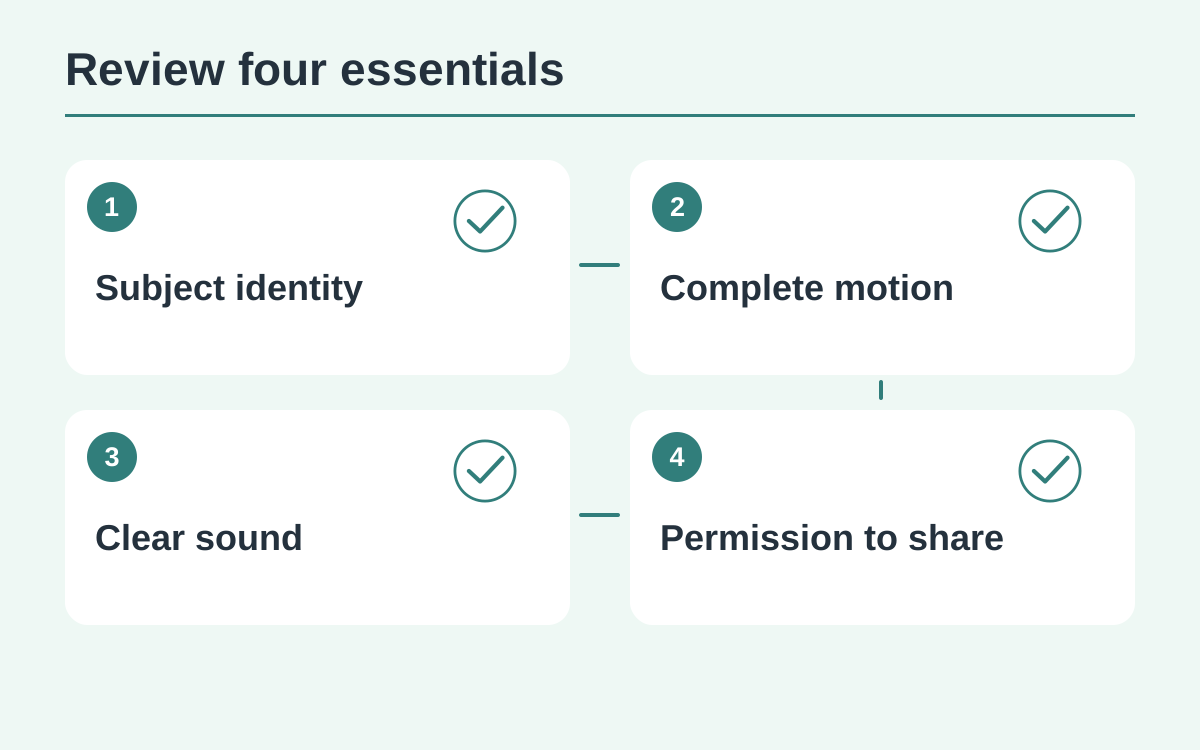
| Recognizable result | Keep the source nearby and identify the required features and action; the pickup meme needs its exchange and dismissive gesture as well as resemblance. |
| Uninterrupted playback | Watch once at normal speed with sound, noting changed faces, missing reactions, extra limbs or unexpected voices instead of skipping to the best moment. |
| Continuity across stages | Compare identity at the beginning, middle and end, including the final-gesture transition and the timing of speech and listening. |
| Problem and task state | Record visible or audible faults with timestamps; a disliked completed result differs from a failed task and does not automatically mean a free replacement. |
| Final shared file | Download and play the selected work locally to confirm sound and full framing; explain the AI interpretation and respect the photographed person’s permission. |
Decide what must remain recognizable
Keep the source photo nearby. Identify the features and action that make this video useful to you. For the pickup-window meme, the exchange and dismissive gesture matter as well as the lead’s resemblance to the photo.
Watch one uninterrupted pass
Play from start to finish at normal speed with sound. Notice any point that interrupts the story: a changed face, a missing reaction, an extra limb or a surprising voice. Do not skip directly to the most attractive moment.
Revisit beginning, middle and end
Compare identity across all three stages and inspect the transition into the final gesture. Listen to who appears to speak and when the lead listens. A good opening does not establish continuity for the rest of the clip.
Separate a technical failure from dislike
Record specific visible or audible problems with their timestamps. A completed video you dislike is a different situation from a task confirmed as failed. Use the work details and applicable support or refund process instead of assuming a free replacement.
Inspect the actual file you will share
Download the selected work and play it locally. Confirm that it has the expected sound and full frame. Add a clear caption about the AI interpretation and share only within the permission given by anyone whose image appears.
Questions about this guide
Yes. Completion means processing ended. Identity, the full gesture and sound can still differ from the intended result.
Continue reading
Make a Hit the Road Dude videoPhoto privacy guide