
Keep the full video frame visible
Choose an output shape and distinguish it from a preview card, thumbnail or social-app crop.
· Hit the Road Dude
Start here
Choose an output shape and distinguish it from a preview card, thumbnail or social-app crop.
In this guide
At a glance
| Review point | What to check |
|---|---|
| Destination format | Choose an available output shape for the final feed or screen; the thumbnail’s dimensions do not establish the video file’s dimensions. |
| Action inside the frame | Keep the head, gesturing hand or paw and relevant window area visible; changing player size cannot recover content outside the generated frame. |
| Fit versus fill | A fitted preview may show bands while a filled cover crops edges. Judge the full preview because neither display mode changes the source file. |
| Downloaded framing | Compare the saved video’s beginning, middle and end with the preview; if only the social app crops it, adjust that app’s placement. |
| Export and captions | Preserve proportions when resizing, retain the final gesture and check captions after cropping; stretching does not create new image detail. |
Choose the destination first
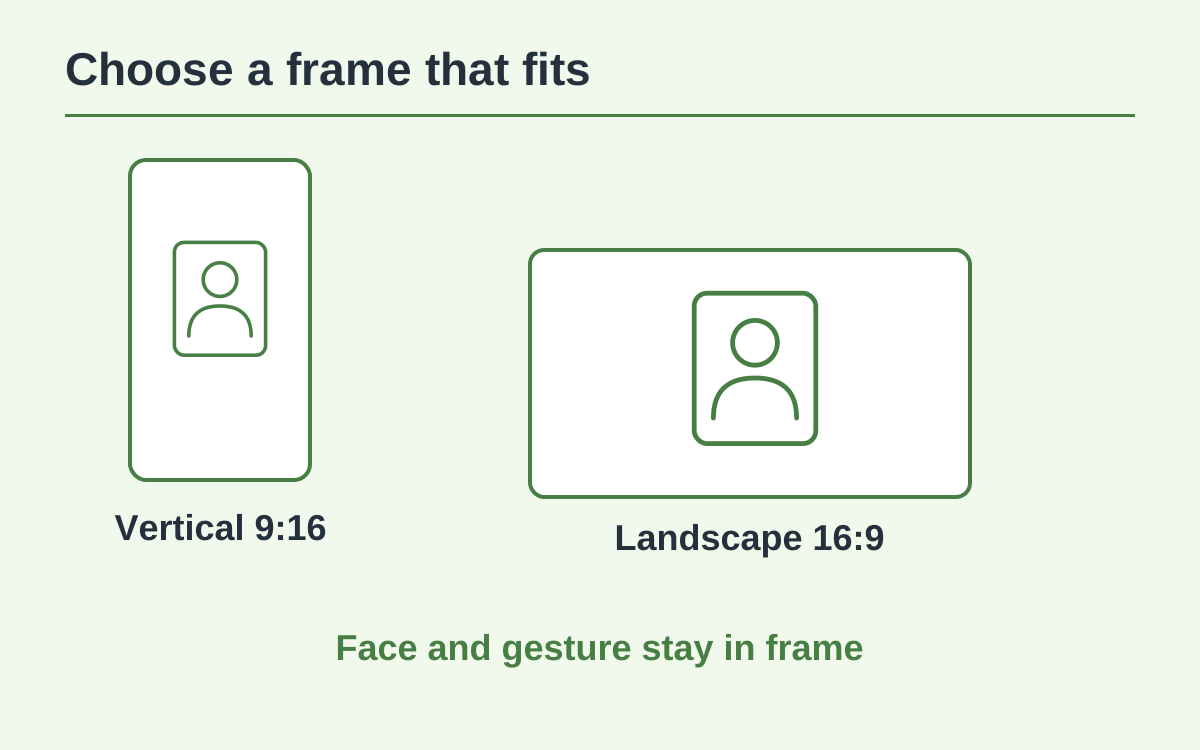
A vertical feed, a square post and a wide screen use different shapes. Pick a format offered by the selected model that suits the final destination. The dimensions of an image thumbnail do not establish the dimensions of the video file.
Keep important action inside the frame
Check the head, the gesturing hand or paw and the relevant part of the pickup window. If those elements already leave the generated frame, changing the player’s CSS or display size cannot recover missing image content.
Understand fit and fill
A fitted player can show the entire frame with empty bands. A filled card can crop the edges to cover its container. Neither changes the source file; use the full preview rather than a small cover card to judge composition.
Review the downloaded file
Open the saved video and compare its framing with the preview. Check the beginning and end as well as the central action. If the download is correct but a social app crops it, adjust that app’s placement before posting.
Export without inventing detail
Resizing a video or stretching it to fill a screen does not create new captured detail. Keep proportions intact and avoid cutting off the joke’s final gesture. Check captions after any crop because they can cover a face or paw.
Questions about this guide
A cover card may fill its container by cropping edges. Open the complete player or downloaded file before deciding whether the source itself is cropped.
Continue reading
Make a Hit the Road Dude videoPhoto privacy guide