
Save and share an AI video on mobile
Move a reviewed result from your browser to a social post without losing the right version or full frame.
· Hit the Road Dude
Start here
Move a reviewed result from your browser to a social post without losing the right version or full frame.
In this guide
At a glance
| Review point | What to check |
|---|---|
| Selected work | Open the completed private work you already reviewed and confirm its version before downloading; a public sample is reference material. |
| Save location | Use the device’s actual save or share controls and locate the file in Files, Downloads or the available destination; an animation does not confirm a photo-library save. |
| Destination crop | Inspect the imported video in the posting app, keeping the face and important hand or paw gesture visible instead of relying on the thumbnail. |
| Caption and soundtrack | Explain the AI interpretation, check permitted audio use for the account and platform, and compare any replacement track with the mouth movement. |
| Final post preview | Play the draft with sound and check that captions, stickers and interface areas leave the ending visible; keep the original download for later edits. |
Begin with the selected work
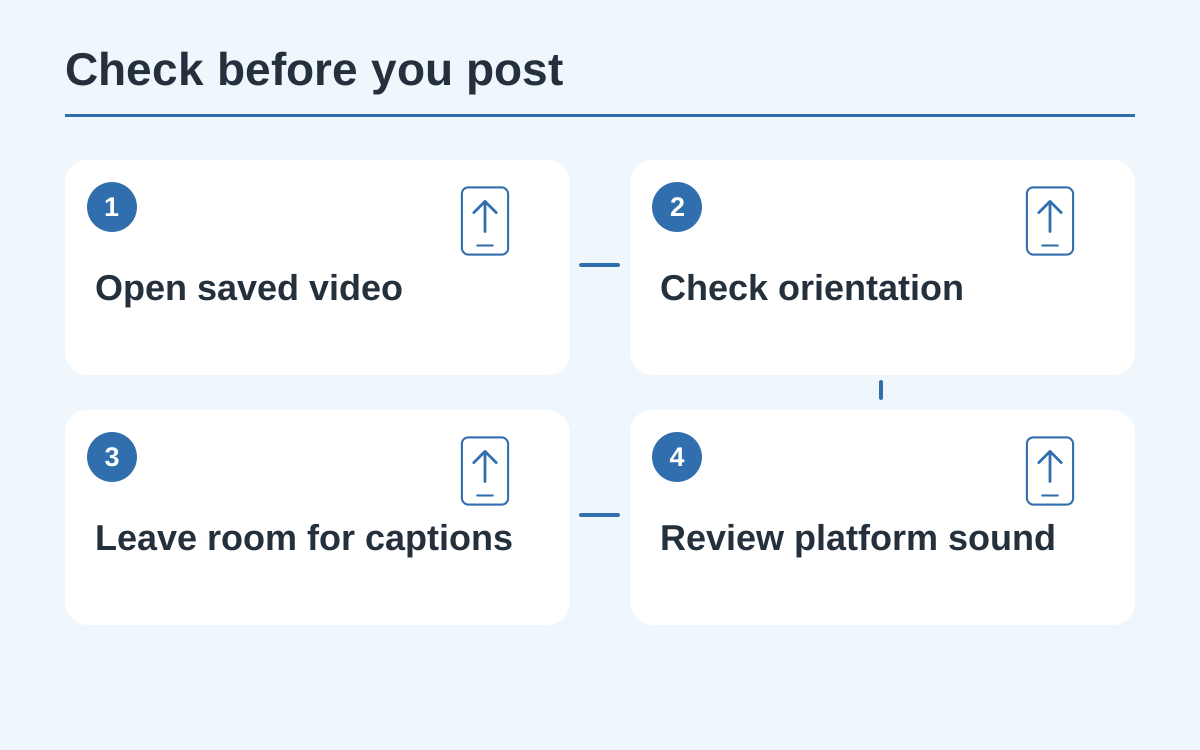
Open the finished video in your account and confirm that this is the version you reviewed. Public samples are reference material. Check the complete clip before starting the download so you do not upload an earlier or unrelated version.
Find the saved file
Different mobile browsers may save to Files, Downloads or open the video first. Follow the device’s available save or share controls, then locate the result. A download animation alone does not confirm the file reached your photo library.
Check the destination crop
Import the saved video into the destination app and inspect its framing. Keep the subject’s face and important hand or paw gesture visible. Preview any automatic crop before publishing rather than relying on the gallery thumbnail.
Choose caption and sound carefully
Explain the AI interpretation in a concise caption and keep the joke suitable for the audience. If adding a sound, check its permitted uses for your account and destination. A new soundtrack should be reviewed against the existing mouth movement.
Play the final posting preview
Watch the draft post once with sound before sharing. Ensure that captions, stickers and interface-safe areas do not hide the ending. Keep the original download so you can correct the post without needing to generate another video.
Questions about this guide
Your browser may have saved it to Files or Downloads, or opened it without saving. Check the device’s actual save location before downloading again.
Continue reading
Make a Hit the Road Dude videoPhoto privacy guide