
Check voice continuity in an AI video
Listen for a sustained speaker change and distinguish generated sound from an original recording.
· Hit the Road Dude
Start here
Listen for a sustained speaker change and distinguish generated sound from an original recording.
In this guide
At a glance
| Review point | What to check |
|---|---|
| Photo and voice | Treat the photo as visual reference; it supplies no voice recording, and the preset does not guarantee the original meme audio or exact dialogue. |
| Continuous listening | Listen from beginning to end on one device at steady volume, noting sudden changes in apparent speaker, accent or recording space. |
| Vocal identity | Distinguish a louder or higher-pitched line from a sustained change of voice, and keep the lead separate from background and off-camera replies. |
| Picture and speech | Compare talking and listening with mouth movements and reply order; replacing the soundtrack afterward does not automatically correct a mismatch. |
| Timed report | Note the start and end of the audible change with the task and settings; higher resolution alone does not establish better voice consistency. |
Know what the input supplies
A photograph gives visual information, not a recording of the person’s voice. Do not expect a recognizable voice simply because the face looks familiar. The Hit the Road Dude preset does not guarantee the original meme recording or exact dialogue.
Listen without interruptions
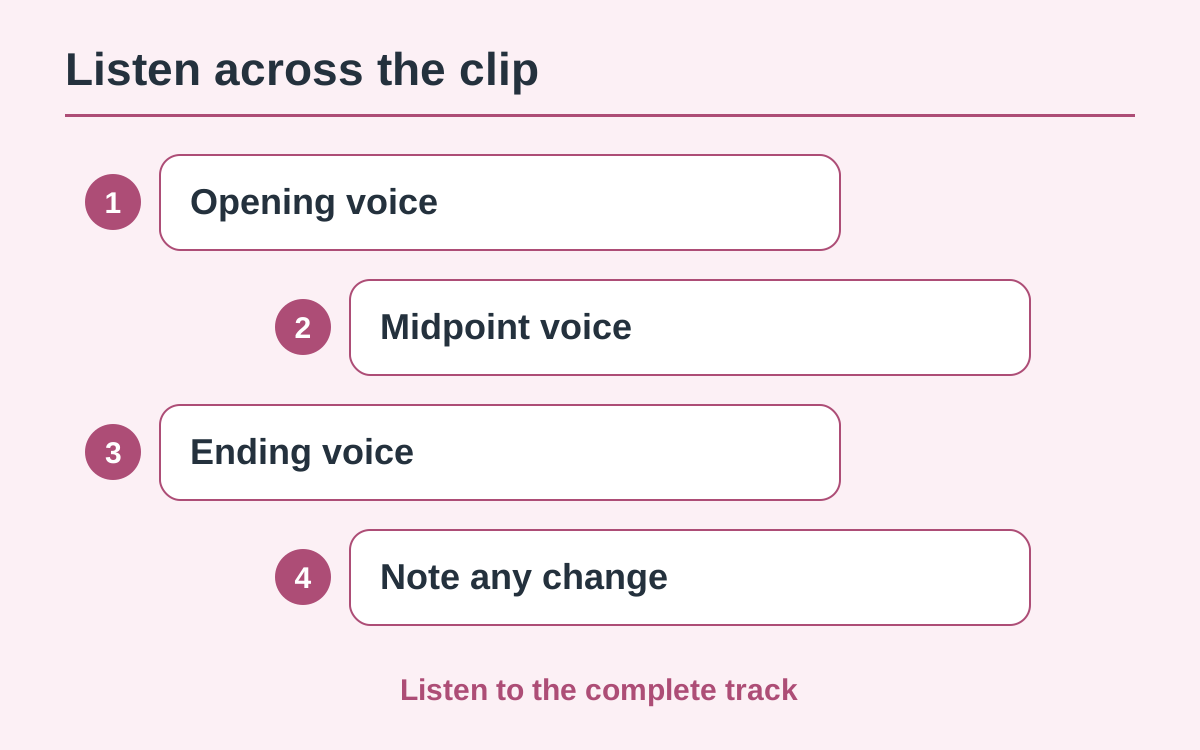
Use one device and a steady volume. Listen from the opening to the end before judging individual lines. Notice whether the apparent speaker, accent or recording space changes suddenly, including when the visible character pauses to listen.
Compare natural emphasis with a new voice
A speaker can raise their pitch or become louder without becoming a different voice. Focus on sustained changes in vocal identity. Background voices and off-camera replies should also remain distinguishable instead of unexpectedly replacing the lead.
Check speech against the picture
Look at who appears to be talking and who appears to be listening. A good-sounding track may still conflict with the mouth movements or the order of the exchange. Adding a different soundtrack afterward does not automatically correct this mismatch.
Record and report the interval
Write down the start and end of the issue and describe the audible change. Include the work and selected settings when contacting support. Another generation may differ, but a higher resolution does not establish better voice consistency.
Questions about this guide
Not necessarily. Compare the sustained vocal identity, accent and recording character before treating a change of emphasis as a different speaker.
Continue reading
Make a Hit the Road Dude videoPhoto privacy guide