
Understand a Street Freestyle photo-video workflow
Follow the steps behind a person-or-pet freestyle interpretation, and distinguish that separate effect from the white-pickup interaction.
· Hit the Road Dude
Start here
Follow the steps behind a person-or-pet freestyle interpretation, and distinguish that separate effect from the white-pickup interaction.
In this guide
At a glance
| Review point | What to check |
|---|---|
| Effect match | Confirm the tool offers Street Freestyle: a lead performing near a speaker and onlookers. The pickup-window exchange is a different effect. |
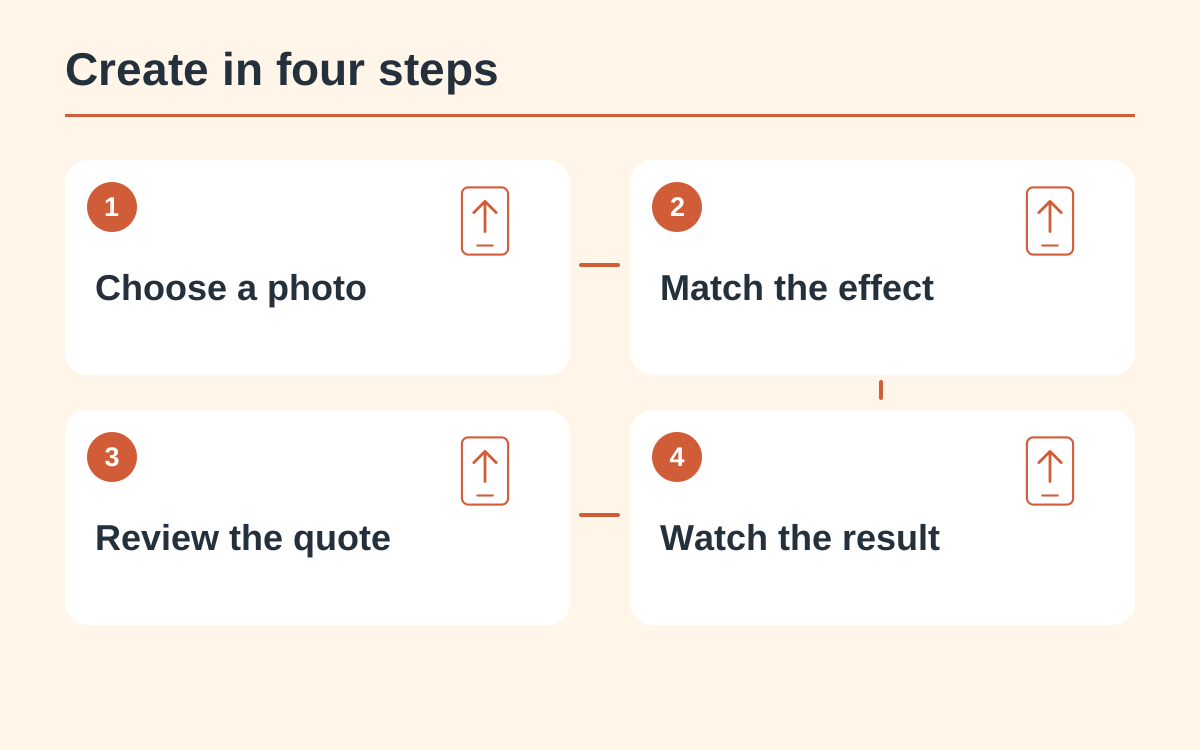
| Photo reference | Use one authorized, recognizable lead with a clear face or pet head and body outline; a photo supplies neither a voice recording nor music permission. |
| Controls and quote | Check the actual effect, subject mode and output options, then read the complete quote for the selected model, duration, resolution and format. |
| Performance continuity | Watch the whole clip at normal speed for identity changes, unstable hands or paws and abrupt voice changes; note the affected seconds. |
| Next attempt | Keep the work and settings for support. Another generation is a separate credit-consuming attempt, so check the existing task before resubmitting. |
Identify the effect first
Street Freestyle is a performance scene with a lead, a nearby speaker and onlookers. Hit the Road Dude centers on a driver-window exchange. Choose a tool that explicitly offers the intended effect; a similar upload box does not make the results equivalent.
Prepare the lead
Use a clear authorized photo with one intended lead. Check the face or pet head, the visible body outline and distracting background subjects. A portrait supplies identity cues; it does not provide the original scene, a voice recording or permission to use an artist’s music.
Inspect the real controls
Read the chosen effect, supported subject mode and output options before submitting. A fixed preset may not expose lyrics, staging or a prompt editor. Confirm the full credit quote for the selected model, duration, resolution and format rather than copying a cost from another effect.
Watch for performance continuity
Review the whole result at normal speed. Look for recognizable identity through turns, stable hands or paws and an intelligible relationship between performer and background. Listen separately for abrupt voice changes. Record the time of a fault instead of relying on the thumbnail.
Choose a useful next step
Keep the result and its settings if you need support. A second generation uses credits for a separate attempt; it is not an automatic correction. For the pickup-window meme, use the dedicated Hit the Road Dude guide and main creator rather than this freestyle workflow.
Questions about this guide
No. The current main preset requests the white-pickup exchange. A freestyle reference explains a different interaction and does not change that preset.
Continue reading
Make a Hit the Road Dude videoPhoto privacy guide