
Understand video quotes and credits
Read the current quote, distinguish purchase types and follow a task’s credit record.
· Hit the Road Dude

Start here
Read the current quote, distinguish purchase types and follow a task’s credit record.
In this guide
At a glance
| Review point | What to check |
|---|---|
| Quoted configuration | Match the current quote to the selected effect, model, duration, resolution and format; an old guide or another site’s price cannot replace it. |
| Pack or subscription | Compare credits, billing interval and renewal terms together; the same balance can produce different video counts at different output settings. |
| Expiry and renewal | Pack credits do not expire; subscription credits do not roll over and annual credits arrive up front. Cancellation and refund eligibility are separate questions. |
| Task credit record | Submission reserves credits and a confirmed failure releases them; compare the task and credit history before repeating an unresolved request. |
| Output-cost comparison | Where lower-resolution generation and real post-processing are offered, compare total cost at matching settings; enlarging a player is not upscaling. |
Start with the quoted settings
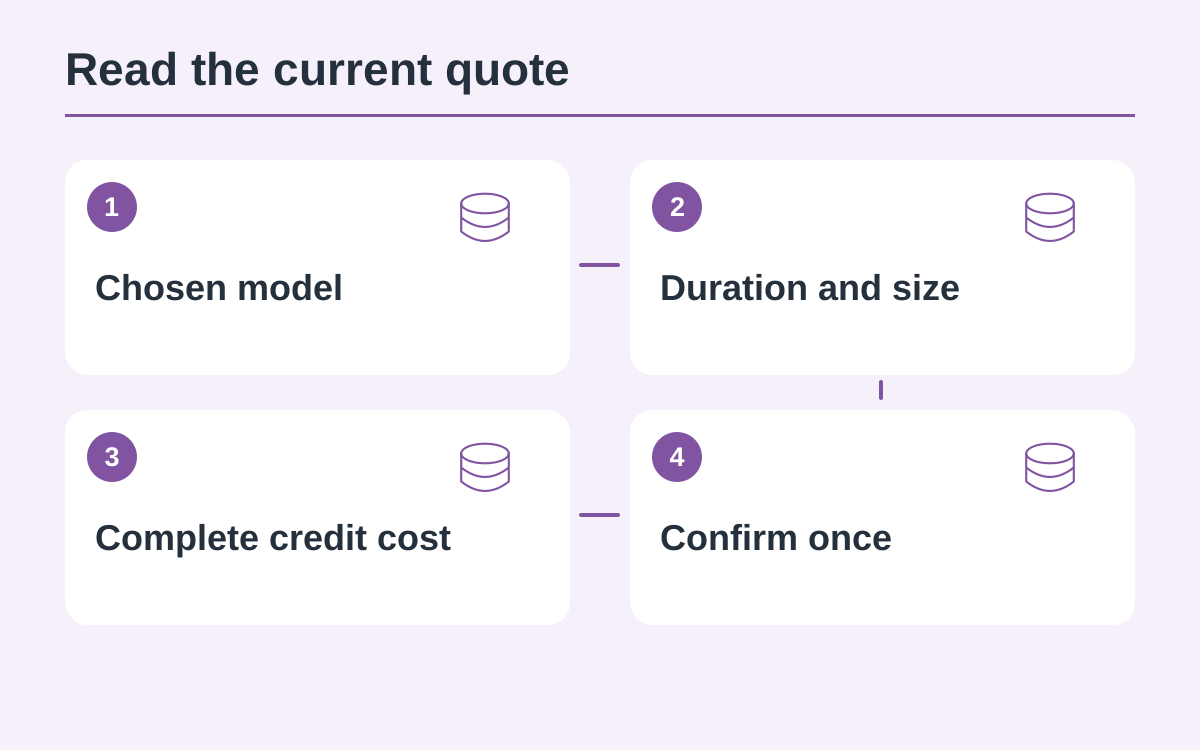
A quote belongs to the selected effect, model, duration, resolution and format. Confirm those choices before submitting. A price mentioned in an old guide or another website is not a substitute for the current quote in this creator.
Compare packs and subscriptions
One-time packs and recurring plans serve different purchasing needs. Read credits, billing interval and renewal terms together. A pack’s credit amount does not promise a fixed number of videos because different settings can have different costs.
Understand expiry and cancellation
One-time pack credits do not expire. Subscription credits follow the purchased period and do not roll over; annual allowances are granted up front. Cancel future renewals in Billing and read the refund policy separately from cancellation.
Follow the task’s credit movement
Submission reserves the credits required for that task. A confirmed failure releases reserved credits; an unresolved task should be checked before submitting again. Compare the work and credit history together instead of inferring a charge from a spinner.
Compare output choices fairly
If the tool offers a lower-resolution generation plus real post-processing, compare the complete costs for the same model, duration and format. Enlarging playback is not upscaling. Use only the options and savings calculations currently available.
Questions about this guide
No. Ten videos is an estimate only at a ten-credit setting. Divide the usable balance by the current complete quote and account for other tasks or expiry.
Continue reading
Make a Hit the Road Dude videoPhoto privacy guide