
Preview and download the selected work
Use the work library to select a result, review the whole clip and save the correct version.
· Hit the Road Dude
Start here
Use the work library to select a result, review the whole clip and save the correct version.
In this guide
At a glance
| Review point | What to check |
|---|---|
| Completed version | Find the intended completed work by thumbnail, time and settings; a pending entry or public reference sample is not your finished private video. |
| Full preview | Open the selected work, wait for loading and confirm it is the right version; stop other playback before checking its sound. |
| Picture and audio | Watch the full clip at normal speed for face, action sequence, final reaction and voice changes; completion alone is not a quality judgment. |
| Matching download | Use the selected work’s download action or the browser’s save control, then identify the resulting local file before trying again. |
| Saved-file playback | Play the downloaded file to confirm duration, framing and audio, and use a descriptive filename to distinguish it from later attempts. |
Select your completed work
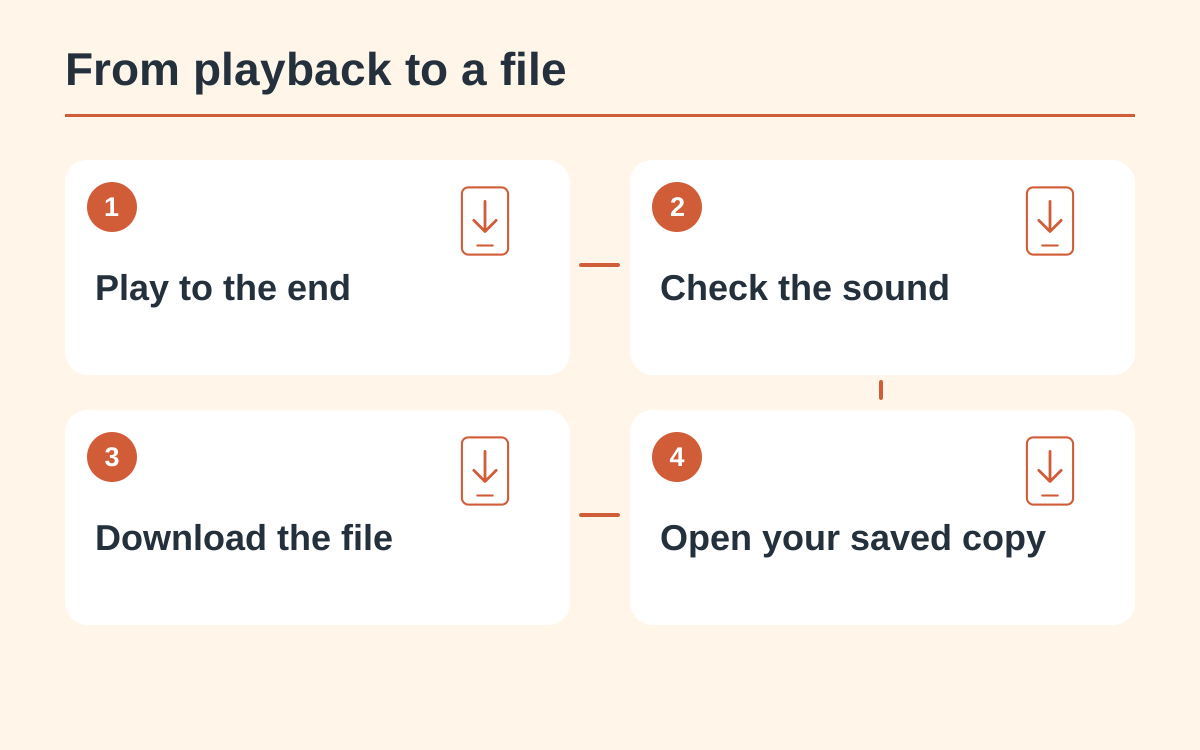
Open My videos and identify the work by its thumbnail, time and settings where available. A pending entry cannot yet supply a finished file. Public reference samples and your private work library are different sources.
Open the full preview
Select the work to open its preview and allow the media to load. Confirm that the displayed work matches your selection. Stop other playback before listening so another tab or sample does not create a misleading second soundtrack.
Watch picture and audio
Play the whole clip at normal speed. Check the subject’s face, the action sequence and the final reaction, then listen for unexpected changes. A completed status confirms processing finished; it is not a quality judgment.
Download that version
Use the download action attached to the selected work. If a browser opens the video instead of saving it, use the browser’s available save action. Verify which file was created before making a new attempt.
Open the saved file
Check duration, framing and audio in the downloaded video. Keep a descriptive filename so it is easy to distinguish later attempts. A successful download should be verified by playing the local file, especially before uploading it to another service.
Questions about this guide
The entry may still be pending or processing. Read its current state; a listing or thumbnail does not establish that a playable file is ready.
Continue reading
Make a Hit the Road Dude videoPhoto privacy guide