
Recover from a slow photo upload
Tell file selection, upload and generation apart so you can recover without submitting duplicate work.
· Hit the Road Dude
Start here
Tell file selection, upload and generation apart so you can recover without submitting duplicate work.
In this guide
At a glance
| Review point | What to check |
|---|---|
| Upload stage | A local thumbnail only proves the browser read the file; use the button state and upload message to distinguish transfer from task creation. |
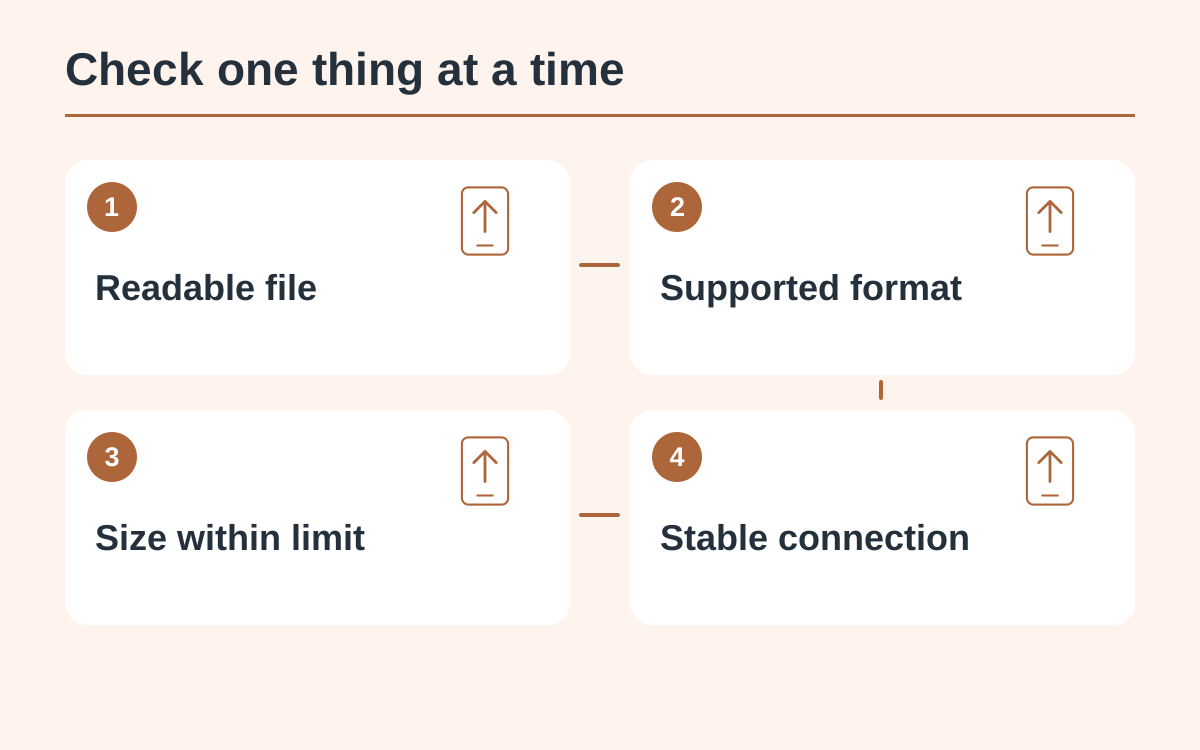
| Readable format | Open the source and check the uploader’s size and format rules. Export an unsupported format correctly; changing its extension does not convert it. |
| Draft and connection | Wait on a stable connection without repeatedly changing files; after signing in, verify that the intended photo and settings are still selected. |
| Existing work | If a work entry already exists, inspect it in My videos before submitting again; a slow response can follow a request the server already accepted. |
| Failure details | Tell support whether selection, upload or generation stalled, with the visible error and available task ID; do not share passwords or a full browser session. |
Check what has actually finished
Seeing a local thumbnail confirms that a browser read the file. It does not always mean the upload finished or a video task started. Read the button state and any visible upload message before deciding what to retry.
Inspect the file
Open the source image locally. Confirm that it is readable and follows the uploader’s current size and format rules. Export an unsupported phone format into an accepted image format; simply changing the extension does not convert its contents.
Keep the draft while reconnecting
Allow an in-progress upload time to resolve on a stable connection. Avoid switching repeatedly between files and tabs while status is unclear. If you must return after signing in, verify that the intended photo and settings are still selected.
Find the existing task
If submission already produced a work entry, open My videos and inspect that entry. A slow response can leave you uncertain while the server has accepted the job. Check the existing work before creating another request.
Report the stage that failed
Tell support whether the file could not be selected, upload stalled or generation stayed pending. Include the visible error and task identifier when available. Do not send account passwords or a full browser session to explain an upload problem.
Questions about this guide
Not necessarily. The browser can show a local preview before transfer finishes. Check the upload status and any existing task before retrying.
Continue reading
Make a Hit the Road Dude videoPhoto privacy guide